01
Leave distractions at the door.
Choose the apps, categories, and websites you want to block. Set a daily allowance, or keep them out of your focus sessions.
 milo.
milo.
A little focus. A few acorns. A fox who’s very invested in your furniture choices. Meet a cozier way to put your phone down.
Made for iPhone. For the moments that matter.
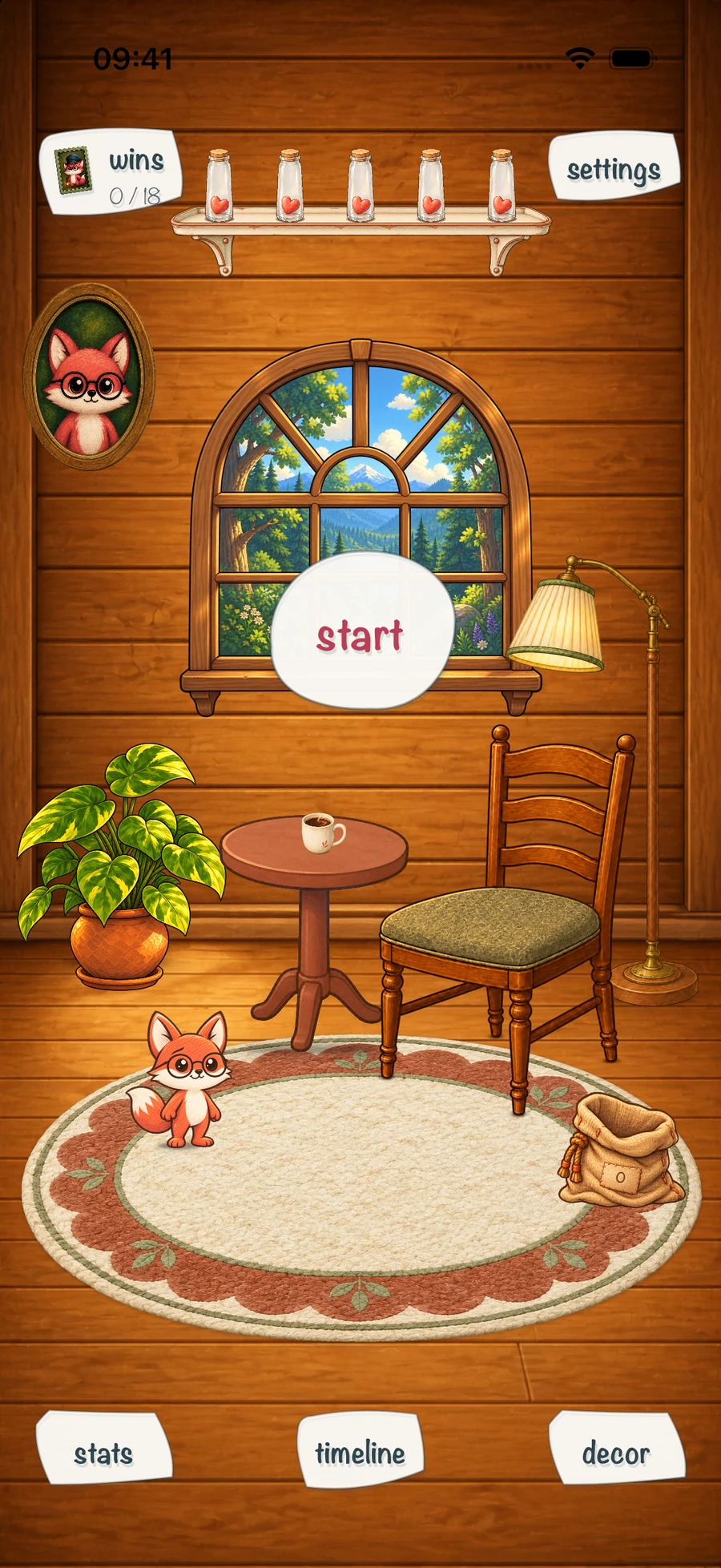
Milo makes space for what you meant to do.
One focus session, one little win at a time.
Choose the apps, categories, and websites you want to block. Set a daily allowance, or keep them out of your focus sessions.
Five minutes or a whole afternoon? Pick a focus timer from 5 to 180 minutes, choose your intention, and take it one session at a time.
Completed sessions earn acorns and help restore Milo’s hearts. Turn those acorns into a new chair, a lovely rug, or a tiny treat for his room.
A sunlit nook? A lilac daydream? Something wonderfully you? Fill Milo’s room with the little things you love.
Explore the app screens above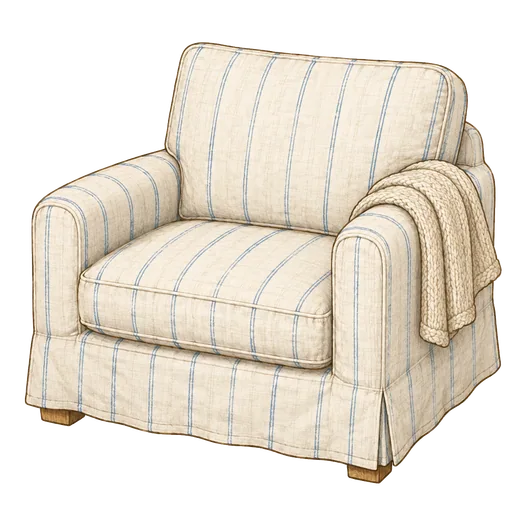

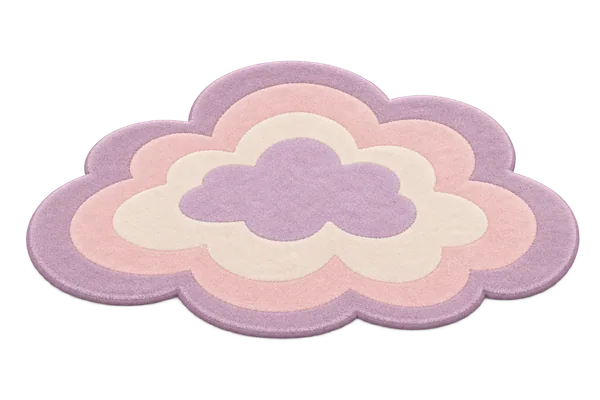


Ordinary decor is bought with earned acorns. Special Plus decor is included with Milo Pro.
 on duty.
You finish the sessions, earn the acorns and furnish the room. Milo’s moods follow your progress. The work is yours. The credit is apparently his.
You choose the apps, categories, and websites to guard. Milo uses Apple’s Screen Time technology, with your permission, to block them during focus or after your shared daily allowance is used up.
Yes. Core focus sessions, the daily allowance, and the acorn decoration shop are available without a subscription. Milo Pro adds special rooms and Plus decor, detailed stats, and future session planning with reminders.
Complete focus sessions to earn acorns, then spend them on ordinary room decorations. Purchases stay in your collection, so you can switch between your favorites. Pro access and acorn purchases are separate.
No account sign-in is required. App blocking needs Screen Time permission. Purchases and subscriptions use your Apple account, and you can restore eligible purchases in the app.
Need a hand? Contact support
a little less phone. a little more you.Your next little win starts with a little space.